On this page
Sending a Resume as a Word file (.docx) is a mistake.
When the HR opens it on their phone, the photo moves to the bottom, the alignment breaks, and it looks unprofessional.
Always convert to PDF before sending.
Conversely, if you have a Bank Statement in PDF and need to calculate expenses, you can't edit it. You need it in Excel.
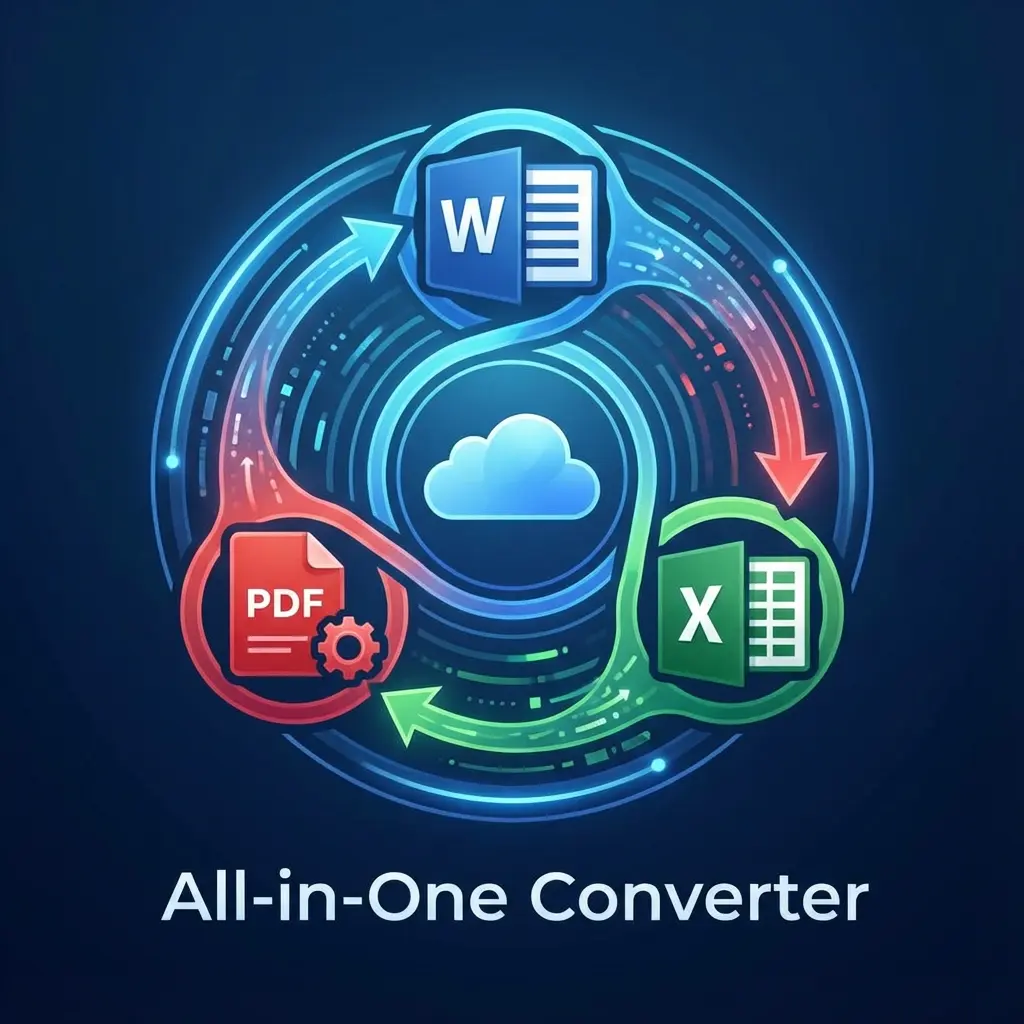
This tool is your Universal Adaptor for documents.
🔄 The Conversion Matrix
Use the right tool for the right job. Don't rely on "Print to PDF" which often ruins links.
Cheat Sheet: Which Tool to Use?
| I Have... | I Want... | Why? | Link |
|---|---|---|---|
| Word Resume | To Freeze Formatting. (Safe for Email) | Word -> PDF | |
| PDF Table | Excel | To Edit Data. (Bank Statements) | PDF -> Excel |
| PDF Text | Word | To Copy Content. (Contracts) | PDF -> Word |
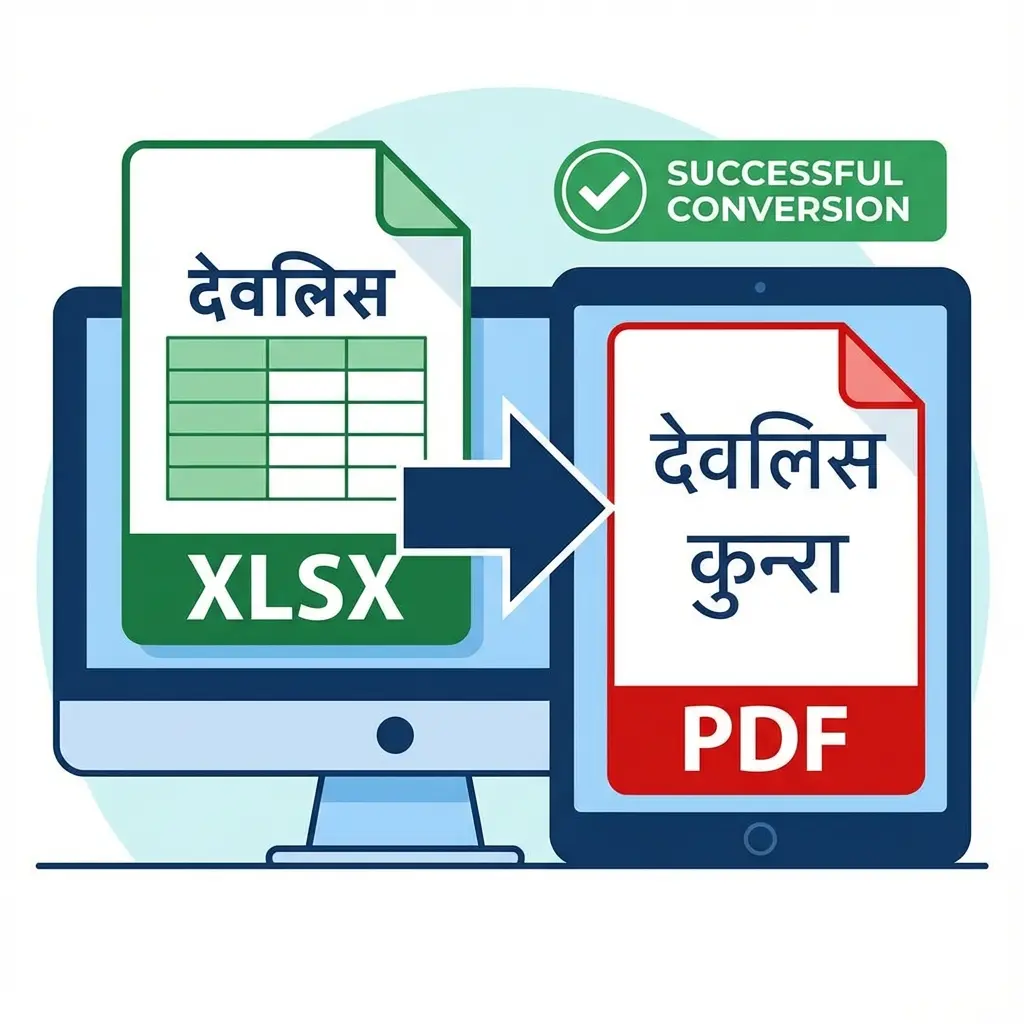
| Excel Sheet | To Lock Data. (Invoices) | Excel -> PDF |
Ready to Convert? How to Convert
- Select Tool: Choose the conversion you need.
- Upload: Drag your file (Word, PDF, Excel).
- Format Preservation: Tables, bold text, and images stay in the same place.
- Universal Compatibility: Files work on Mobile, Mac, and Windows.
- Magic: Our server converts it while keeping the layout 99% identical.
- Download: Get the converted file.
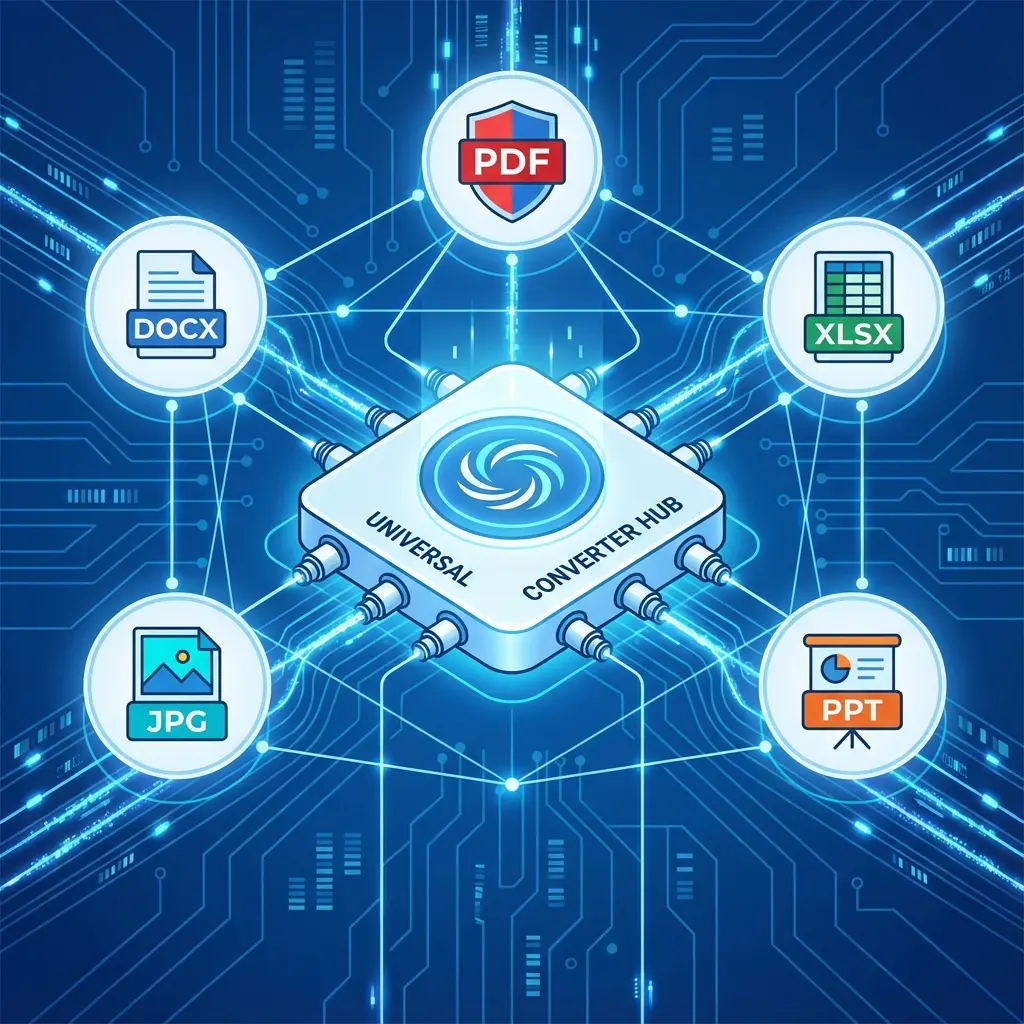 Document Conversion Matrix: Word <-> PDF <-> Excel
Pro Tips for Office Work
- Hyperlinks: When converting Word to PDF, standard converters kill the links. Our tool preserves clickable links.
- Tables: Converting PDF to Excel is tricky. If the PDF is a "Scanned Image", it won't work perfectly. It works best on "Digital PDFs" (generated by banks/software).
Useful Shortcuts
FAQ: Document Conversion
Frequently Asked Questions
This usually happen when "printing" a complex Word doc to PDF. Our server-side converter preserves fonts and layout exactly as they are in the original file.
Yes. The output is a fully editable `.docx` file. You can change text, tables, and images just like a normal document.
Yes. Files are processed securely and deleted from our servers automatically.
Copy citation for academic or reference use:
DocSet Team
✓ VerifiedExperts in Document Processing & Government Exam Specifications. We research official notifications from SSC, UPSC, IBPS, and other bodies to provide accurate, up-to-date image resizing and document preparation guidelines.